Music for restaurants
Restaurant music that shifts with every service
Lunch and dinner are two different restaurants under one roof. Lunch is quick tables, business guests and a room that turns over fast. Dinner is longer, warmer and more personal, and the bar often has its own life late into the evening.
Good restaurant music stays in the background: present enough to fill silences between tables, never so loud or busy that guests lean in to hear each other. Tunelay lets you schedule the change between services, give the bar its own zone, and trust that transitions happen gently and on time.
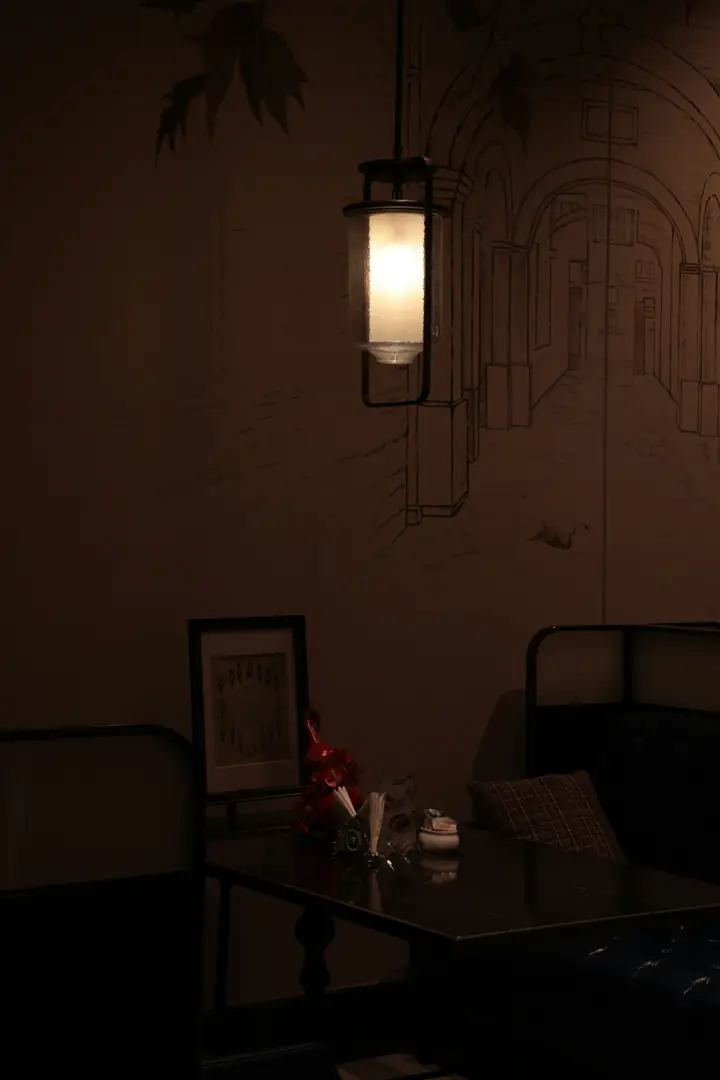
The usual problems in a restaurant
Music is rarely anyone’s job in a restaurant. That is exactly why it goes wrong.
Dinner starts with lunch music
The switch to the evening playlist depends on whoever remembers. Often nobody does until the first tables are already seated.
Conversation fights the music
Busy arrangements and vocals with sharp peaks make guests raise their voices, and the room gets louder and louder.
The bar and the dining room collide
One sound system, one playlist: either the bar feels flat or the dining room feels like a club.
Abrupt stops and gaps
Tracks end in silence, ads interrupt free streaming apps, or the playlist simply runs out halfway through service.
Listen to this atmosphere
Moods for dining
Chosen for low distraction and an even level, so guests can talk without raising their voices.
Preview clips are added once their promotional rights are documented.
Soft Dining
Unobtrusive jazz, bossa and acoustic standards for lunch service.
- Jazz
- Bossa nova
Samples coming soon
Evening Lounge
Warmer, slower and richer for dinner, with more space between notes.
- Lounge
- Soul instrumental
Samples coming soon
Late Bar
A touch more groove for the bar zone after the kitchen closes.
- Downtempo
- Nu-jazz
Samples coming soon
A typical restaurant schedule
Two services, two zones. The dining room and the bar can follow different schedules on separate players.
Lunch service
Soft Dining
Light and steady for quick tables and business lunches.
Between services
Soft Dining (lower volume)
Quiet background for prep and the occasional late guest.
Dinner
Evening Lounge
The room changes character; so does the music, with a slow crossfade.
Bar zone
Late Bar
The bar player moves up a gear while the dining room stays calm.
Times are an example — you set your own.
How it fits
How restaurants use Tunelay
Service changes on time
The switch from lunch to dinner is part of the schedule, not someone’s to-do list. A crossfade of up to twelve seconds makes the change feel natural.
Dining room and bar as zones
Pair one player per zone. Each zone has its own schedule and maximum volume, and the dashboard shows both side by side.
Special evenings without rework
A private event or a holiday menu becomes a one-day exception for that location. The normal week resumes the next day automatically.
Short announcements, carefully
If you want them — for example a last-orders reminder in the bar — upload a recording and schedule it. The music dips underneath and comes back up.
Example scenarios
Illustrative situations to show how the product behaves — not customer stories.
Friday dinner, full house
At six the dining room player crossfades into Evening Lounge. At half past nine the bar player alone switches to Late Bar, so the dining room stays conversational.
A private party on Tuesday
The manager adds a date exception for that location with a livelier playlist from 19:00 to 23:00. On Wednesday the regular schedule is back without anyone touching it.
A server pauses the music for a speech
They tap pause on the tablet. The action appears in the dashboard history with the time, so the manager knows why the room went quiet.
Setup
Setting up a restaurant
- 1Add the restaurant as a location with its opening hours.
- 2Create zones — for example Dining room and Bar — and pair one player in each.
- 3Assign lunch and dinner moods to each zone’s schedule.
- 4Set a maximum volume per zone and a manager PIN.
- 5Optionally upload announcements and schedule them for the bar zone only.
Frequently asked questions
Can the bar play something different from the dining room?
Yes. Each zone has its own player and its own schedule, managed from the same dashboard.
How do the transitions between services sound?
Tracks are blended with a crossfade you set per playlist, from no crossfade up to twelve seconds, so moods change without abrupt stops.
Will there be ads between tracks?
No. Tunelay never inserts advertising. The only spoken audio is announcements you upload and schedule yourself.
Can we turn the music off for a private event?
Staff can pause it on the tablet at any time, or you can schedule an exception for that date in the dashboard.
Keep exploring
Plan the sound of your next service
Share your service times and zones, and we’ll show you a restaurant schedule built around them.